
Spam and phishing out of your inbox, before you see it.
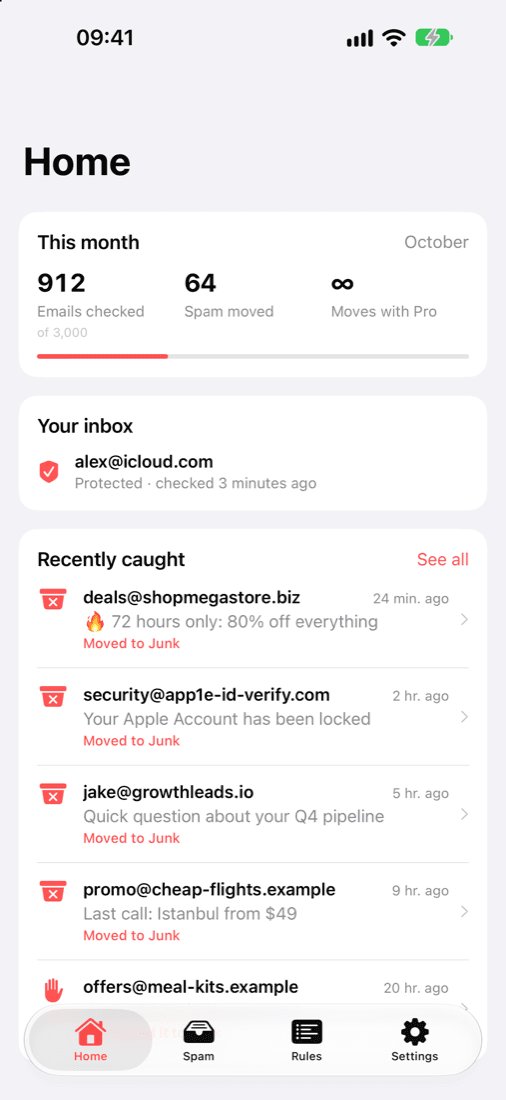
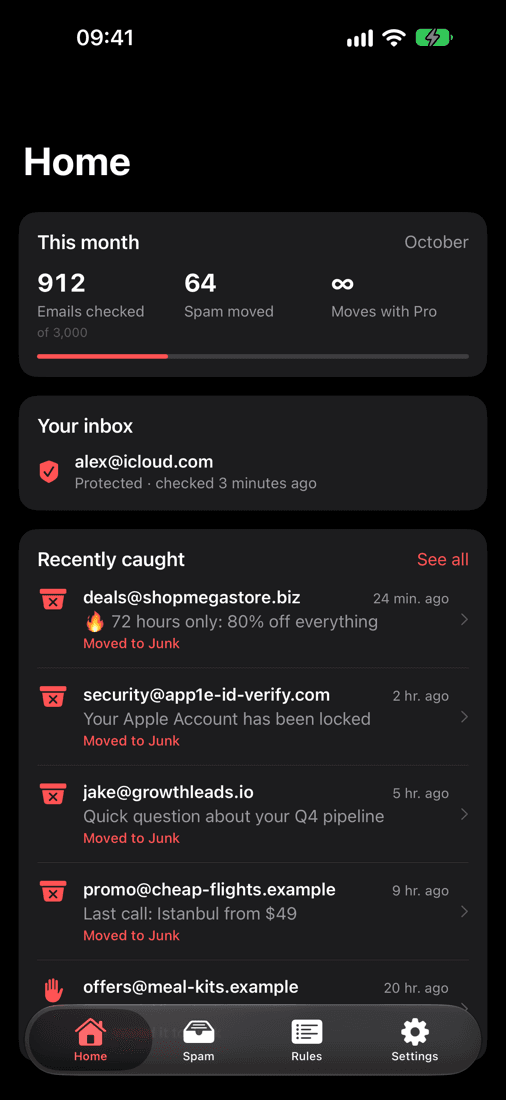
Tusk checks new mail in your iCloud, Gmail, Outlook or other inbox as soon as it arrives and moves spam and phishing to Junk, on every device, even when the app is closed. It warns you about phishing emails, shows why each email was moved, and lets you put any of it back with one tap.
Free for iPhone. Tusk Pro is optional.
Tusk in one minute
Phishing emails cost people money
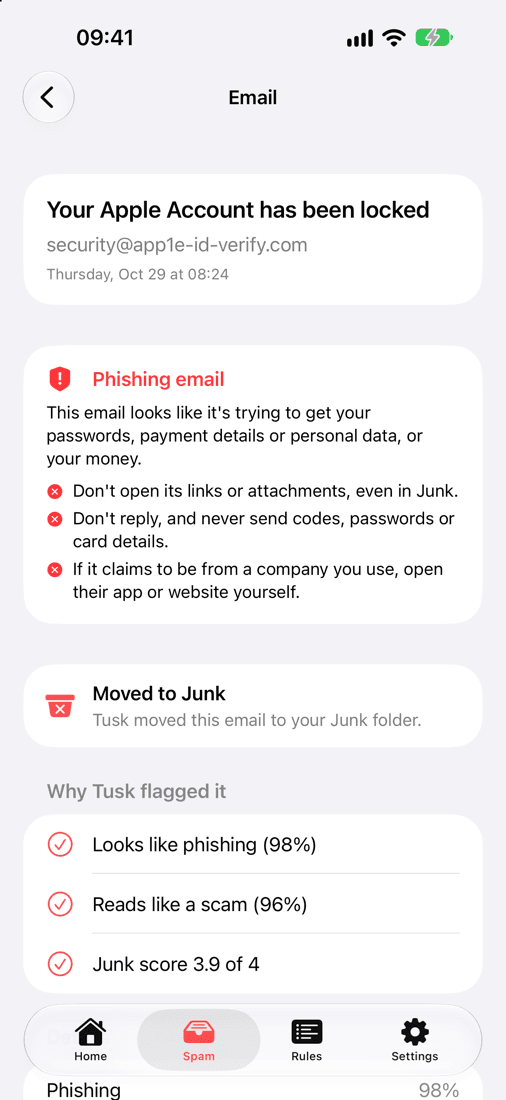
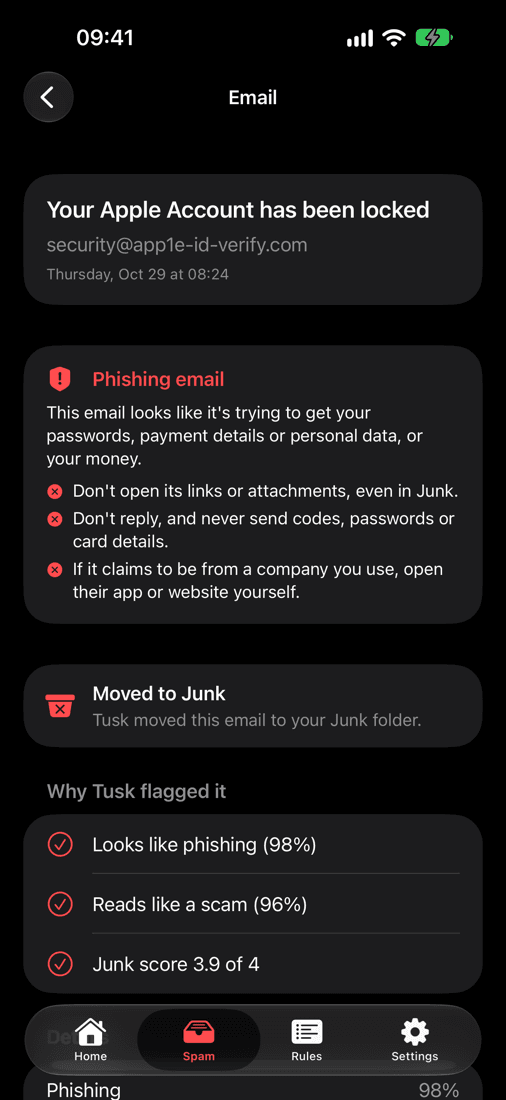
A bank alert, a parcel stuck at customs, an Apple Account “locked”: phishing emails copy companies you trust to get your password, your card details or your money. One click can be enough. Tusk checks every new email for them.
Spots the tricks
Fake login, payment and verification requests, urgent threats, and links that don’t go where the sender claims.
Catches scams too
Fake prizes, advance-fee and crypto schemes, extortion and fake invoices.
Warns you right away
A notification for each phishing email Tusk finds, even one still in your inbox. You can turn it off in Settings.
Tells you what not to do
Tusk marks the email as phishing and reminds you: don’t open its links, don’t reply, never send codes or card details.
No filter catches everything. If an email asks for a password, a code or a payment, open the company’s app or website yourself instead of using the link.
What Tusk does
Moves spam to Junk for you
Tusk checks new mail as soon as it arrives and moves clear spam to Junk, so your inbox stays clean on your iPhone, iPad and Mac.
Shows you why
Every move comes with its reasons: a phishing attempt, a scam, a sales pitch from a stranger, a promotion.
One tap to undo
Tap “Not spam” and the email goes straight back to your inbox. Tusk remembers the sender.
Learns from you
Move an email to Junk yourself and Tusk blocks that sender from then on.
Unsubscribes for you
For senders you rejected, Tusk uses their one-click unsubscribe link, if they have one.
Your rules
Allow and block lists for the senders you trust, or never want to hear from again.
Set up in three minutes
- 1
Sign in with Apple
No new password, and you can hide your email address.
- 2
Enter your email address
Tusk finds your provider and shows you the steps for it.
- 3
Connect your mail
Sign in with Microsoft for Outlook, or create an app password at account.apple.com for iCloud or myaccount.google.com for Gmail; other providers use your mail password. Tusk starts with the next email that arrives.
Nobody reads your email
No email content is stored
Messages are read in memory, analysed and dropped. Tusk keeps only the sender, the subject and its decision, so you can review it.
No AI training on your email
Tusk never uses your emails to train AI models.
Your password is encrypted
Your app password, mail password or Microsoft sign-in is stored encrypted and used only to check your mail.
Delete everything with one tap
Delete your account in the app and all of your data goes with it, immediately.
Simple pricing
Free
$0
- 10 spam or phishing emails moved to Junk a month
- 300 emails checked by AI a month
- Phishing alerts
- Allow and block lists, “Not spam”, learning from your Junk moves
Tusk Pro
$2.99 a month or $24.99 a year
- Unlimited spam and phishing moved to Junk
- 3,000 emails checked by AI a month
- Everything in Free
Prices can differ by country. Subscriptions are billed by Apple and you can cancel at any time.
Questions
- Which email accounts work?
- iCloud Mail (including custom domains), Gmail and Google Workspace, and most other email providers that offer IMAP, like Yahoo, Zoho, GMX or Fastmail. Outlook.com, Hotmail and Microsoft 365 work through Sign in with Microsoft.
- Does Tusk catch phishing?
- Yes. Tusk checks every new email for phishing and scams, moves them to Junk and sends you a warning. It catches most of them, but no filter catches everything: never type a password or card number into a page you opened from an email.
- Does Tusk delete email?
- No. Tusk moves spam to your Junk folder, and you can put anything back with one tap.
- Can I try it without connecting my mail?
- Yes. Tap “Try the demo” on the sign-in screen to look around Tusk with sample data.
Questions? Write to [email protected] · Privacy policy · Terms of use